Bugs
As with any product, there are always going to be bugs in the initial phases. Some of the more common issues we are seeing at the moment include the lock screen freezing, crashing with certain programmes like Microsoft Word, and the start screen and loading bars being completely transparent, showing you all of your open programmes. On a few installations users have been forced to open PowerShell and edit code to force applications to work, and downloading apps from the wrong Windows store could cause you to break something mission critical. It’s certainly not been smooth sailing. Luckily, fixes are already available for some of these issues, with more being developed every day to fix the system before it goes worldwide.
Missing Apps
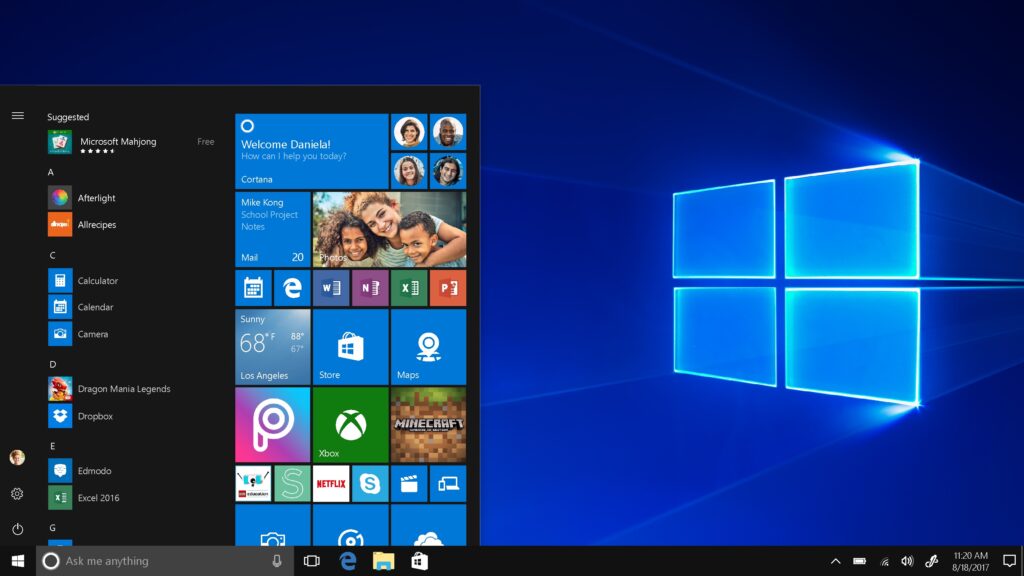
With the new look Windows 10 comes a whole new set of exciting applications. The new start screen will put everything in one place so that you can see it, the apps will all be available to run on desktop and will resize easily to notebook – sounds perfect. But this hugely different app platform is where the largest concentration of bugs lies. While certain apps have been completely upgraded to give a new view, a lot of them are still functioning as before, or have simply vanished. That means that some apps will also be missing functionality, as they have not been designed to match the Windows 10 interface. It’s entirely possible we won’t see a more updated version of the Windows Store apps for a while, but with every new update there are updated apps to fit these functions.
Frequent Updates
As you might have guessed, new versions of Windows 10 just keep on coming, and if you install now you will be updating your operating system quite frequently for at least 6 months. Even now the full version has been released, there are still bugs, fixes, patches and new improvements being made all the time. Our best piece of advice is to stay with Windows 8 for a few months, while all of these updates are being made and issues are still being found. You might not have the most up to date system right away, but you will save yourself a lot of time, stress and hassle by waiting a little while.
Our Advice
While it might have some issues at the moment, once you work past them Windows 10 is a fantastic system with a lot of potential. So much so, that you might not want to wait until the full version is rolled out. While these bugs are worked out and fixed, you can still download the trail versions and have a play, but be careful. If you’re running multiple machines (for example a tablet, a laptop and a desktop) only install Windows 10 onto 1 of these. This way you can see how it interacts with your programmes and apps, without potentially losing everything. The other reason for this is that once installed, it is very difficult to get back to Windows 8. So while you might enjoy the new system for a while, the experience of an incomplete interface might start wearing thin, and there will be no way back. If you have your doubts, the best thing you can do is wait for a few months before installing.
If you are having issues with your Windows 10 install, or if you just need some help working out if Windows 10 is right for you, give us a call today for your free consultation.