
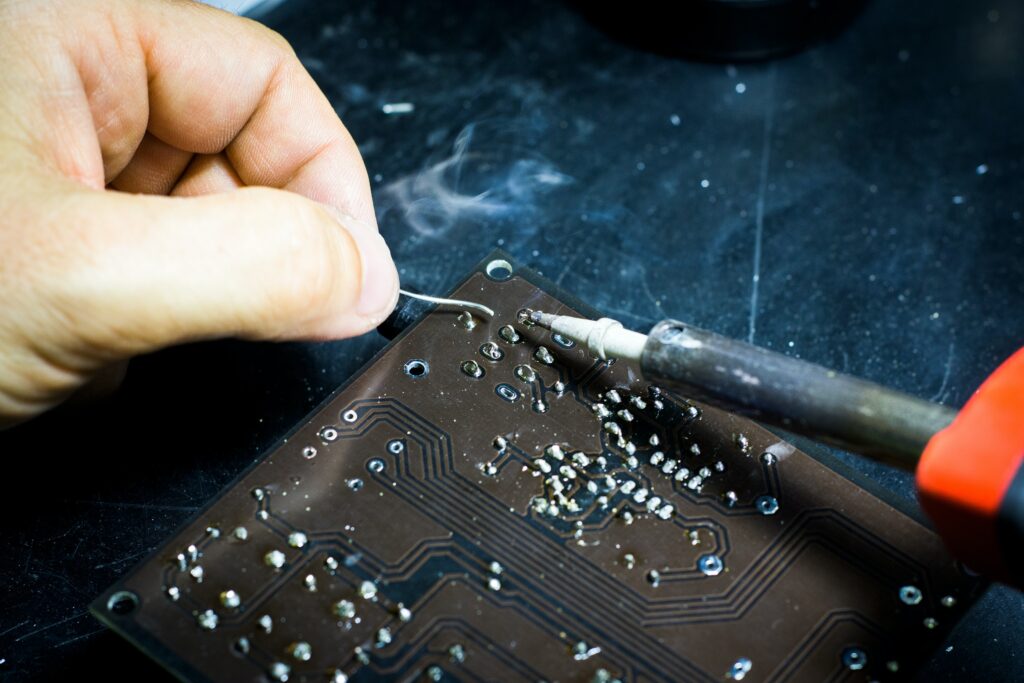
What Is Troubleshooting?
Troubleshooting is the process of identifying and subsequently fixing problems. It’s not specifically a computer term, but that’s where it tends to be most commonly used. Computer or IT troubleshooting may involve looking at the hardware or the software, and sometimes even both at the same time, as one misbehaving can cause issues with the other. The basic process is to check the most general problems first, and then work through logically and systematically to the more complex ones.
Hardware Troubleshooting
Hardware is, on the whole, slightly easier to diagnose, because there are a finite number of problems it can have. Many types of hardware are compatible with external diagnostic tools, which can be plugged into the unit to test that everything is running. These can then feedback if something isn’t connecting or behaving the way it should. Sometimes it’s an easy fix, like a loose connection that just needs re-connecting or even wiggling. On other occasions, it might mean a component has burnt out and needs replacing, or the memory is full and needs upgrading. Typical hardware problems include missing sound, no display on the monitor, printer connection issues, a mouse not being detected, internal drives no longer being seen by the machine or if the computer suddenly turns off. Sometimes when checking for hardware you need to do some external checks to make sure it isn’t something unrelated entirely. For example, recently a customer called to ask me why his machine kept suddenly switching off and on again in no particular pattern. He’d fiddled with everything and couldn’t figure it out. When I arrived to take a look, I found that he was powering his machine through 2 extension leads daisy chained together, and one was starting to fail. I connected a single, longer extension cable and the problem was solved.
Software Troubleshooting
Software problems, by comparison, are usually more complex. There are an infinite number of things that can go wrong with software, form drivers disappearing to 2 pieces of software not interacting properly. With software troubles, I first need to decide whether it is a Windows or a Mac problem, or something specific to that software. Many times, the issue is simply that the software isn’t compatible with the hardware you’ve got, which can cause all sorts of bizarre things to happen. Some examples of issues software can cause are illegal operations, restarting software without warning, runtime errors, slow booting, blue screen/spinning wheel errors, refusal to open, invalid pages and freezing the entire operating system.
Every now and then, we come across an error that makes me say ‘why on earth are you doing that?’ Fixing those issues tends to be a case of trial and error, because there is no obvious cause for the machine to be behaving the way it is. But that’s what we love about troubleshooting – you come up against some weird and wonderful combinations of problems every day. So, if your business machines are misbehaving and you aren’t sure what to do, get in touch and we can help troubleshoot and resolve the problem. Just visit our website for more details.